

MindFusion.Diagramming for Blazor is a comprehensive library that empowers developers to build sophisticated and interactive diagrams directly within the Blazor framework. Supporting both Server-side and WebAssembly (WASM) models, it provides a feature-rich API for creating, styling, and arranging complex graphs, hierarchies, and flows with ease.
From industrial automation to human resources, our Blazor diagramming component provides the flexibility and performance needed for professional web applications.

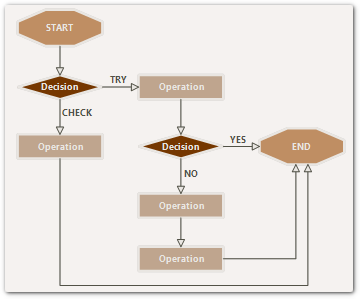
Clearly illustrate process flows and logical branches with animated transitions and intuitive user interaction.

Visualize company structures and deep hierarchies using specialized layout algorithms that ensure clarity and responsiveness.
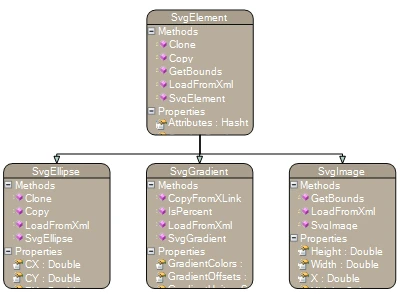
Represent complex data schemas with scrollable table nodes, spanning cells, and intelligent link routing.
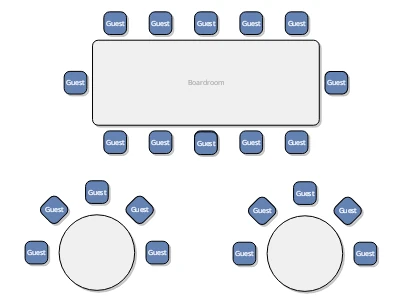
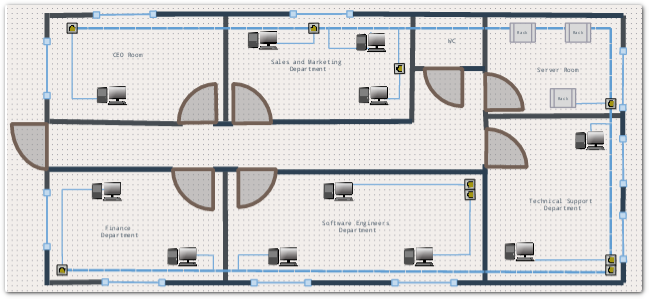
Design interactive spatial arrangements, floor plans, and seating charts with custom shapes and precise coordinate systems.

Map out complex IT infrastructures and cloud services with nested containers, custom icons, and real-time state monitoring.

Capture ideas and visualize relationships organically using radial layouts, collapsible branches, and rich-text nodes.
Automatically arrange your diagram items using a vast collection of layout algorithms, ensuring your data is always presented in the most readable format.




The Blazor diagramming library includes auxiliary controls that help you build a complete, production-ready diagram editor in minutes.
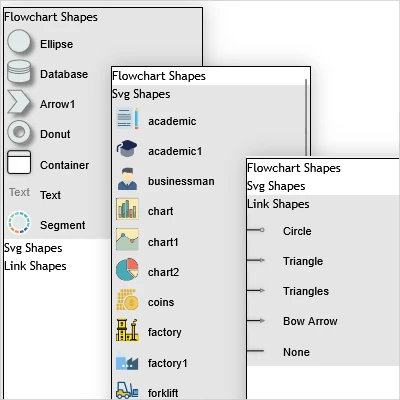
A drag-and-drop palette that lets users quickly populate the canvas with standard or custom diagram elements.

Built-in support for shape rotation, resizing, in-place text editing, and multiple selection modes.

A miniature map of the diagram that allows users to see the big picture and navigate large workspaces effortlessly.

Integrated horizontal and vertical rulers that provide precise feedback on cursor position and item dimensions.

Leverage your existing .NET skills to build rich web diagrams without writing a single line of JavaScript code.

Easily load and save diagram data in XML, JSON, or binary formats, and export to PDF, SVG, and high-res images.

Completely customize the look and feel using standard CSS, or apply one of the many built-in professional themes.

Get dedicated support directly from the development team, with regular updates and comprehensive documentation.
 WinForms
 WPF
WPF Java Swing
 Blazor
 ASP.NET MVC
 JavaScript
 .NET MAUI
 Avalonia
 .WinUI 3
 Android
 iOS
iOS ActiveX WinUI 3
